

Dashboard
The Dashboard is your home screen after logging in. It provides a high-level overview of your account activity.
3.1 Dashboard Components
Section titled “3.1 Dashboard Components”The dashboard displays:
-
A summary of your recent campaigns with their current status (Draft, Scheduled, Active, Paused, Done)
-
Quick access to platform domains assigned to your account
-
Your media library overview
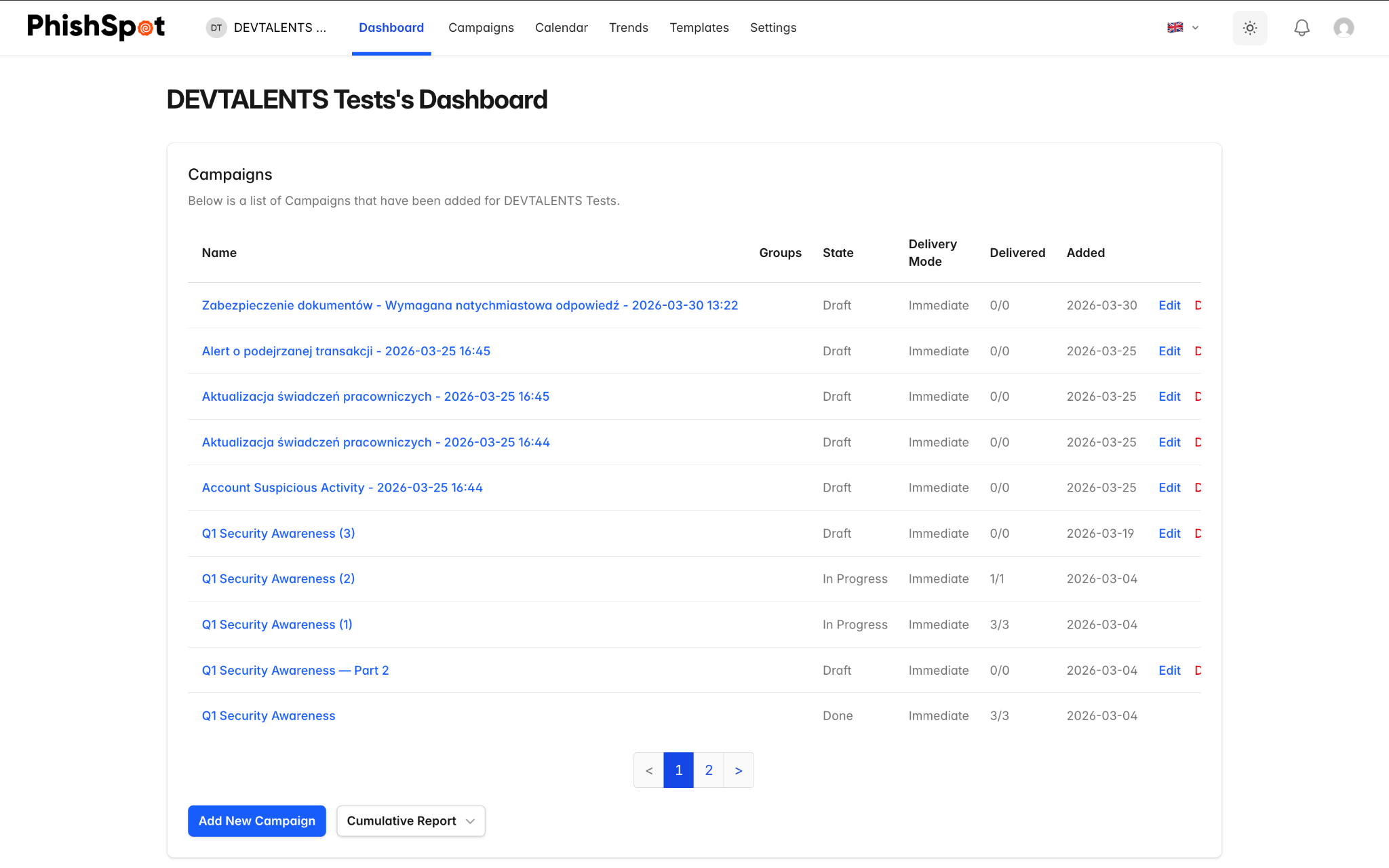
From the dashboard, you can quickly navigate to any campaign by clicking its name, or create a new campaign using the button in the campaigns section.