

Phishing Templates
Templates save you time by providing pre-built phishing email designs that you can deploy directly into a campaign.
7.1 Template Library
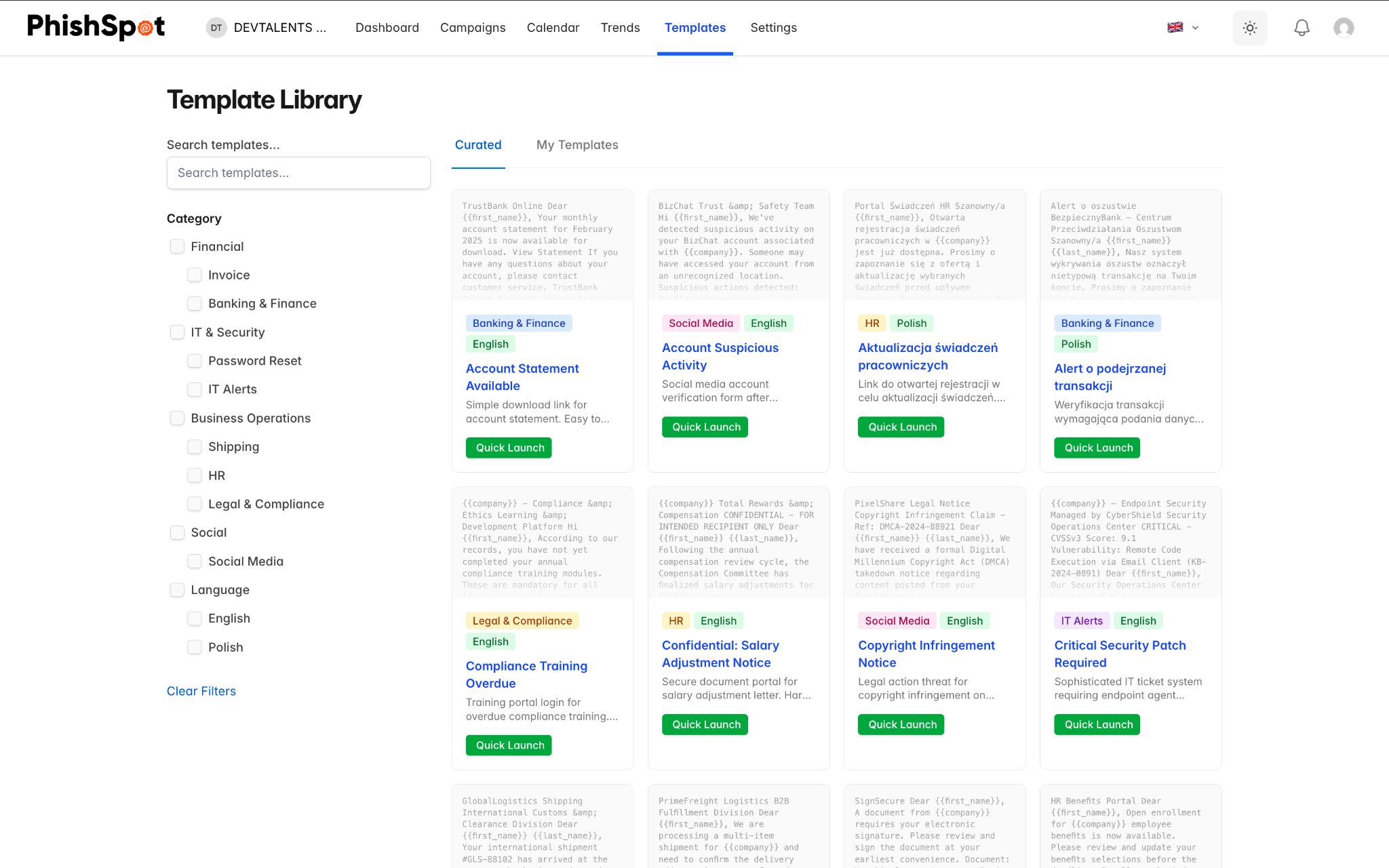
Section titled “7.1 Template Library”Navigate to Templates from the sidebar. The template library has two tabs:
-
Curated — Pre-built templates provided by PhishSpot, organized by category (e.g., credential harvesting, package delivery, IT alerts, HR notices). The curated library ships with 48 templates: 24 in English and 24 in Polish, all authored locally — the Polish set is written by a Polish-speaking team, not machine-translated, so the copy, sender names and pretexts land naturally for Polish recipients.
-
My Templates — Custom templates you’ve created or saved from previous campaigns.
The left sidebar shows a category tree that lets you filter templates by type. Templates are displayed in a grid view with preview thumbnails.
7.2 Using a Template
Section titled “7.2 Using a Template”There are two ways to use a template:
-
Deploy — Applies the template’s email content to an existing draft campaign.
-
Quick Launch — Creates a new campaign pre-filled with the template’s email content, ready for you to configure recipients and delivery settings.
7.3 Creating Custom Templates
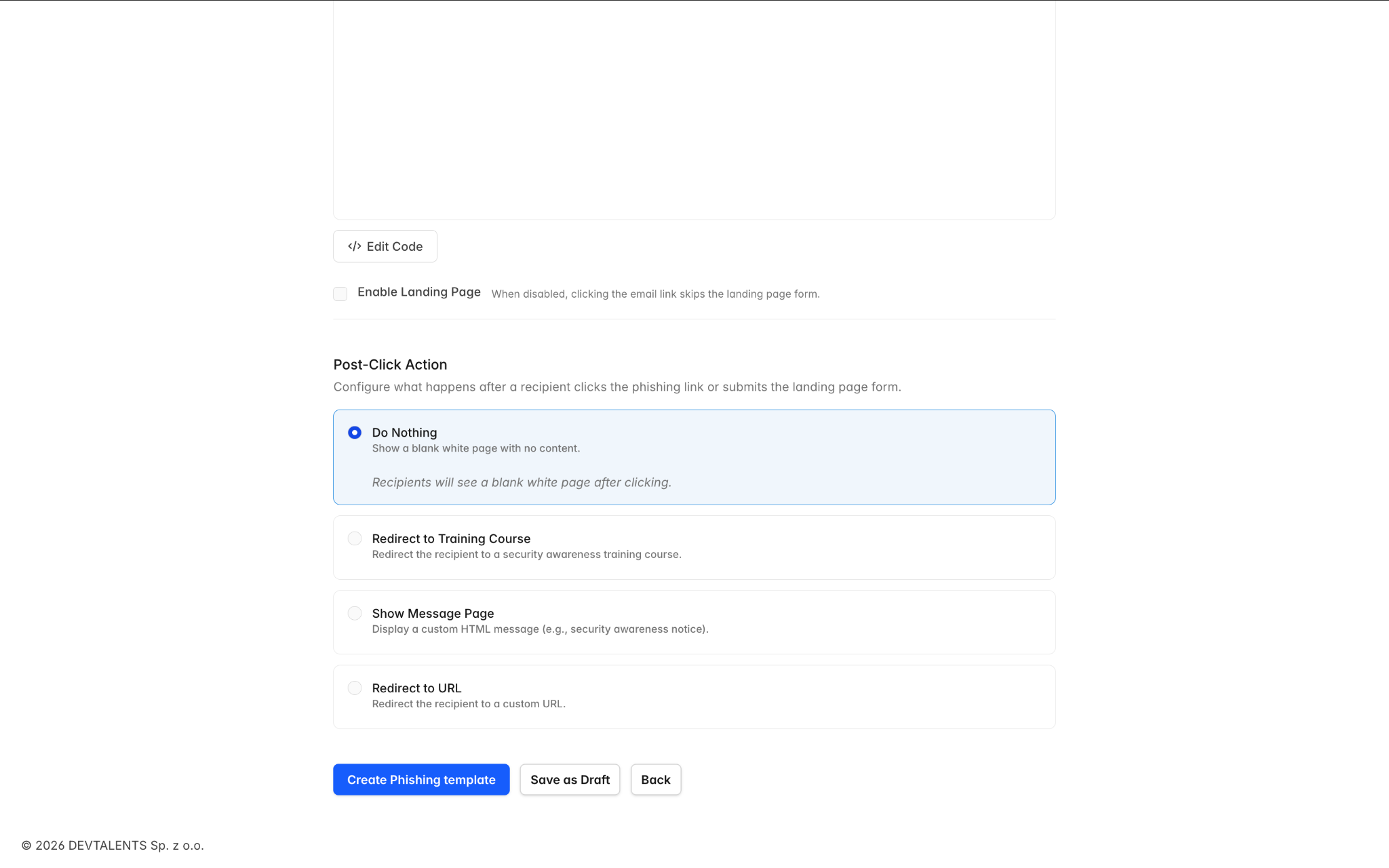
Section titled “7.3 Creating Custom Templates”On the My Templates tab, click New Template to create your own. You can also save any campaign’s email as a template using the Save as Template button on the campaign detail page. Custom templates support the same email editor and template variables as campaigns.

Email attachments
Section titled “Email attachments”Save the campaign email or your custom template, then choose Email attachments. Add PDF, DOCX, PNG, JPEG or GIF files: up to 5 MB per file, 10 MB total and 10 files. Admins and editors can change attachments while the content is editable. Removing a file requires confirmation.
Attachments are copied when you deploy a template, save a campaign as a template, duplicate a campaign or use the template in a sequence. Test emails include them too. Opening a passive document does not produce a tracked event; put a campaign link inside the document to measure a click.