
Groups
Groups let you organize contacts into logical collections for targeted campaigns. For example, you might create groups for different departments, office locations, or risk levels.
6.1 Groups List
Section titled “6.1 Groups List”Navigate to Settings → Groups. The list shows:
| Column | Description |
|---|---|
| Name | Group name (clickable to view members) |
| Contacts | Number of contacts in the group |
| Campaigns | Number of campaigns that have used this group |
| Created At | When the group was created |
| Actions | Edit and Delete buttons |
6.2 Creating a Group
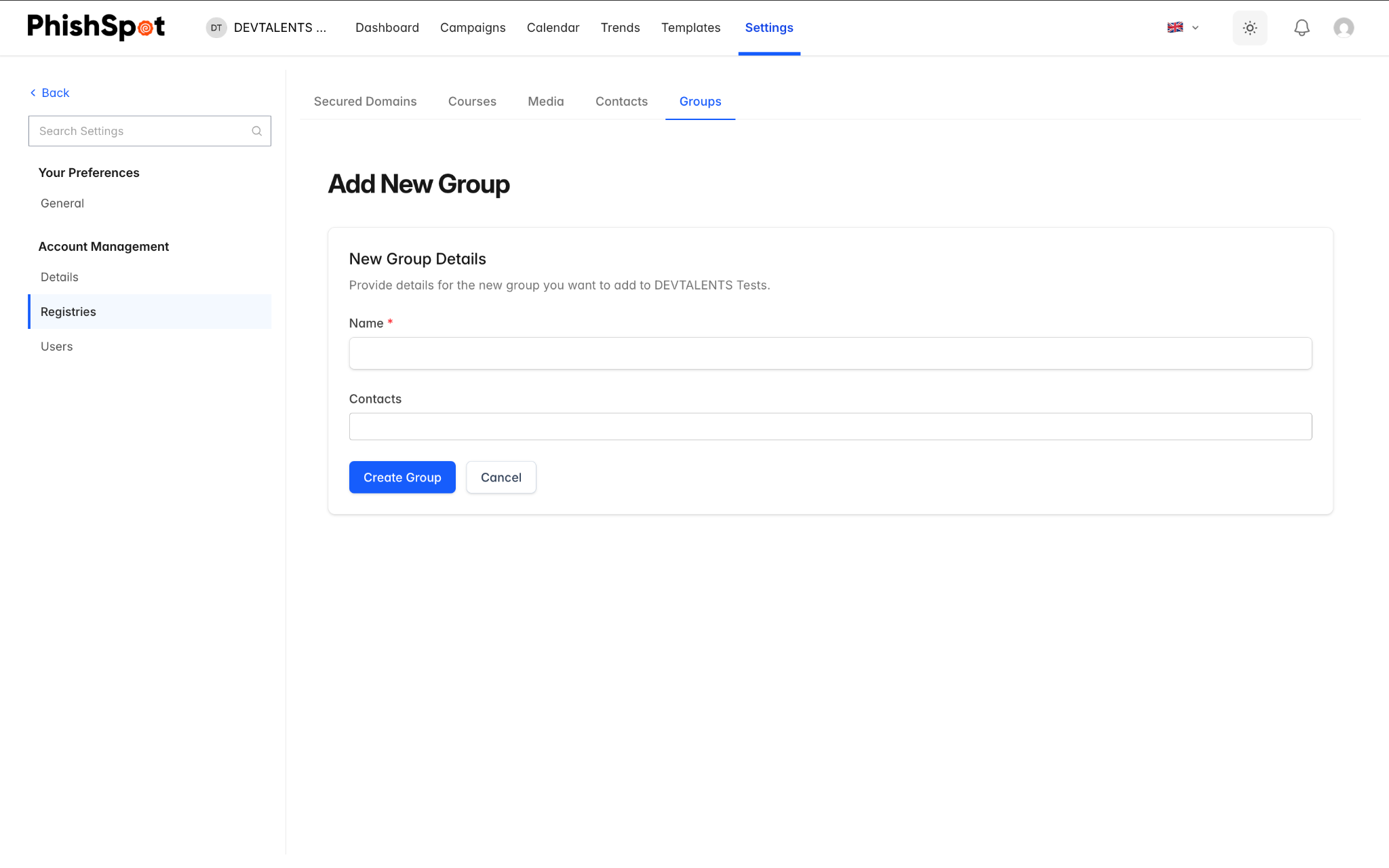
Section titled “6.2 Creating a Group”Click New Group and enter a name and optional description. You can assign contacts to the group immediately using the multi-select contact picker, or add them later. Groups can also be created automatically during CSV import by including group names in the groups column.